

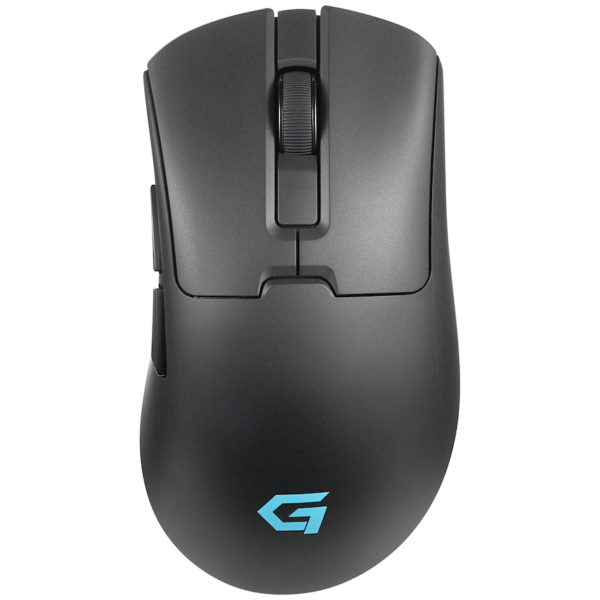
Consider pairing this wireless mouse with a mouse pad for great desktop brand exposure. 11.5 ( l ) x 5.7 ( w ) x 2.3 ( h ) ABS version 2.0 800/1200/1600 special DPI function 2 x AAA batteries included packaged in a gift box
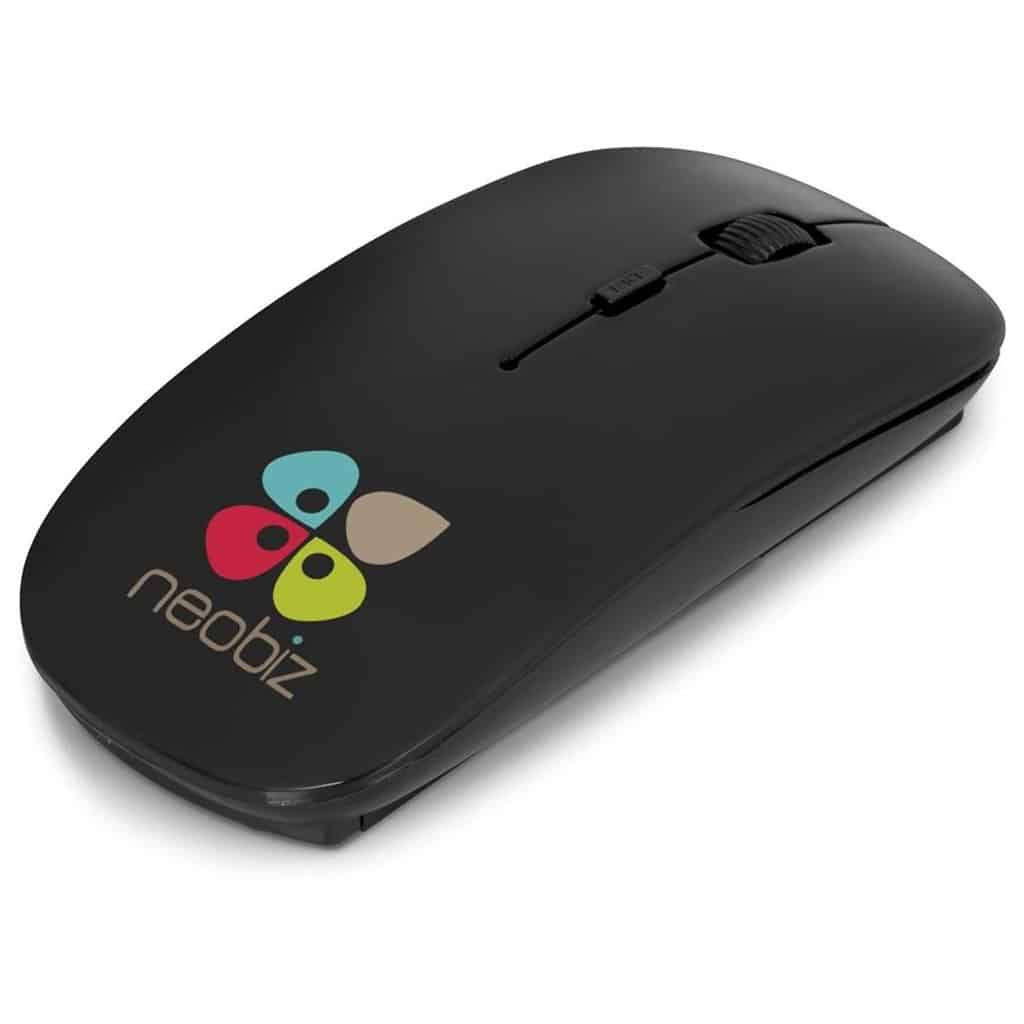
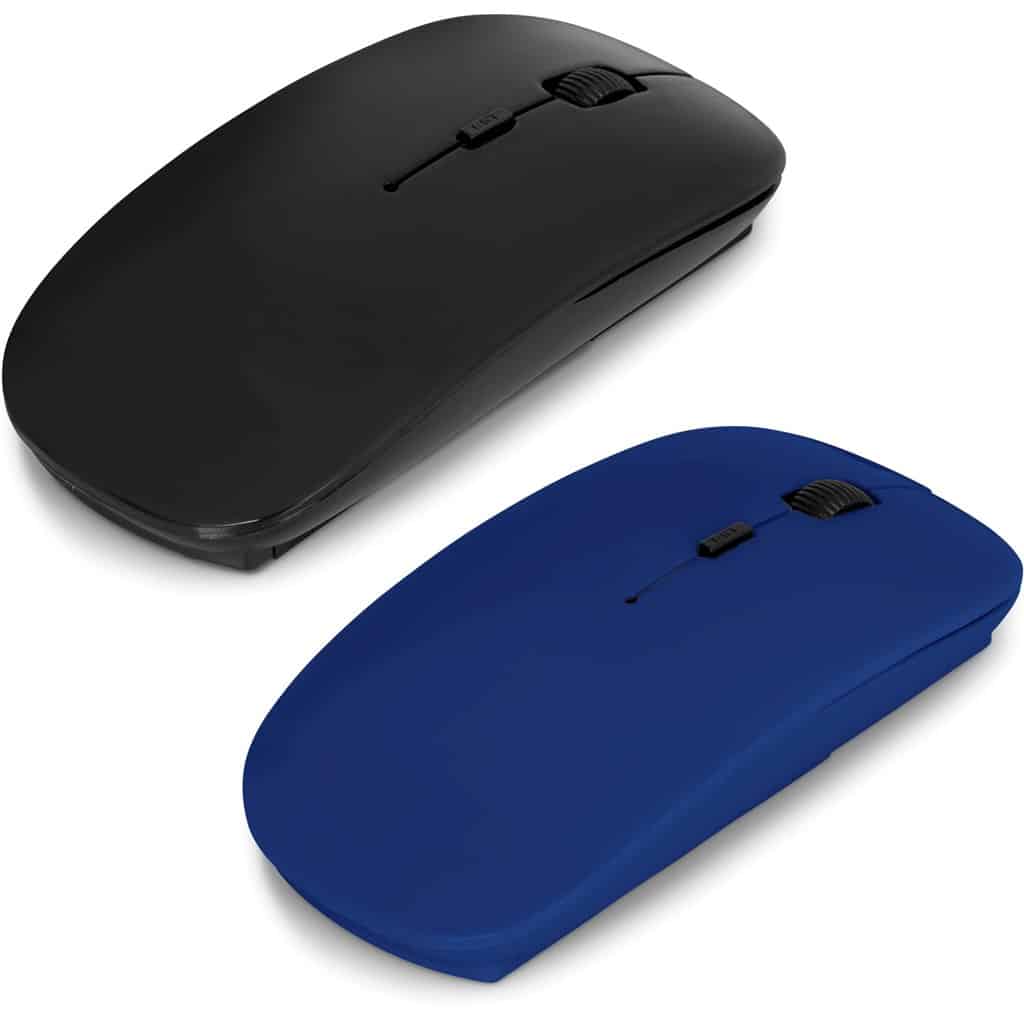
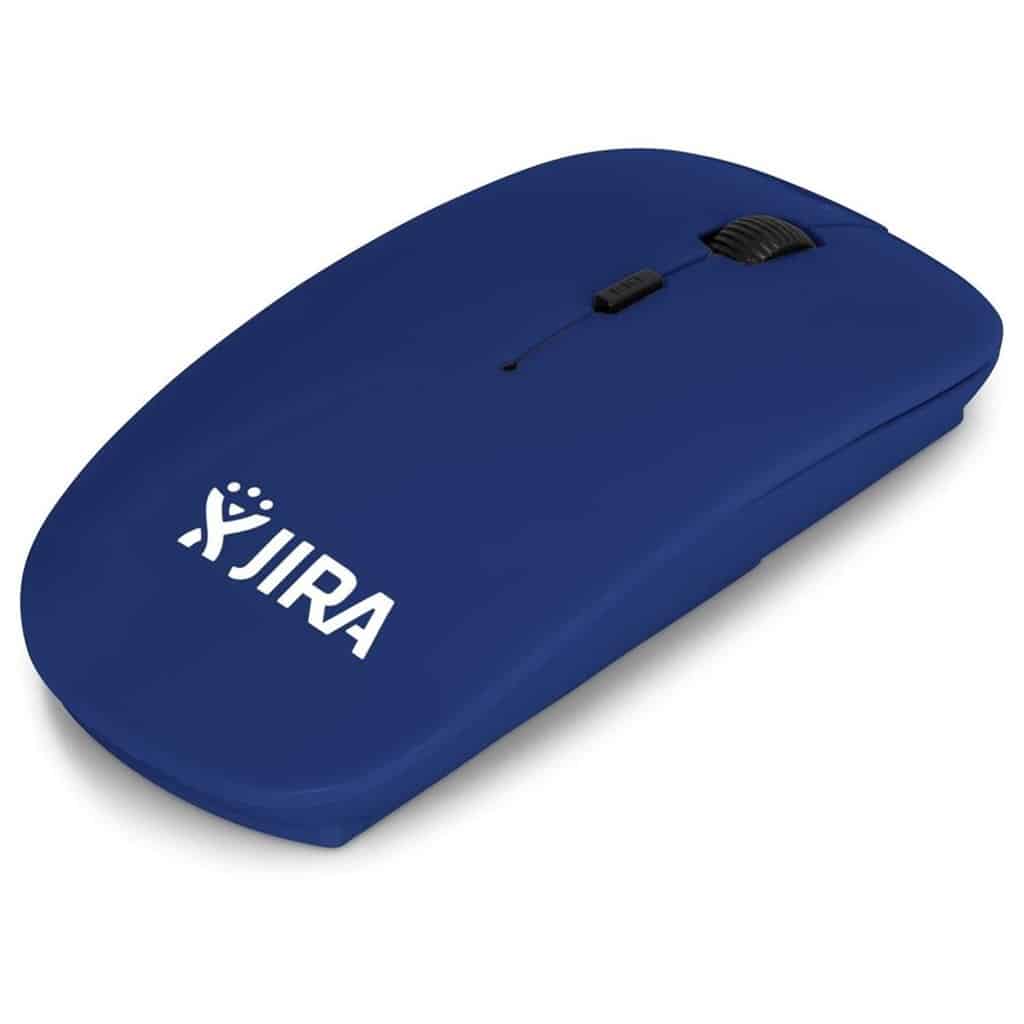


Omega Wireless Optical Mouse
R83.43

Description
More Info
| Weight | 0.068 kg |
|---|---|
| Dimensions | 3.8 × 12.1 cm |
| Colour | Black, Blue |
Quick Quote Request
Quick Quote
Quick Quote Request
FAQ
Frequently Asked Questions
How does the Omega Wireless Optical Mouse connect to my computer?
The Omega Wireless Optical Mouse connects to your computer via a USB receiver. Simply plug the receiver into an available USB port, and the mouse will automatically pair with your device.
What is the battery life of the Omega Wireless Optical Mouse?
The Omega Wireless Optical Mouse operates on 2 AAA batteries, which are included in the package. Battery life can vary based on usage but is generally designed to last several months.
Is the Omega Wireless Optical Mouse compatible with all operating systems?
Yes, the Omega Wireless Optical Mouse is compatible with various operating systems, including Windows, Mac, and Linux. This versatility makes it suitable for a wide range of devices.
Can I adjust the DPI settings on the Omega Wireless Optical Mouse?
Yes, the Omega Wireless Optical Mouse features adjustable DPI settings of 800, 1200, and 1600. This allows users to customize the sensitivity for different tasks or personal preferences.
Why should I choose the Omega Wireless Optical Mouse over other brands?
The Omega Wireless Optical Mouse offers great value at an affordable price, with features like adjustable DPI and wireless convenience. Its ergonomic design and stylish colors also make it a practical choice for everyday use.
Related products

Out of stock
Mouses
R188.34
R151.97

Out of stock
Price range: R207.69 through R208.96

Price range: R445.51 through R493.92

R101.31


Mouses
R178.79